Using Seedance 2.0 for Short Educational and Explainer Videos in the EdTech Industry
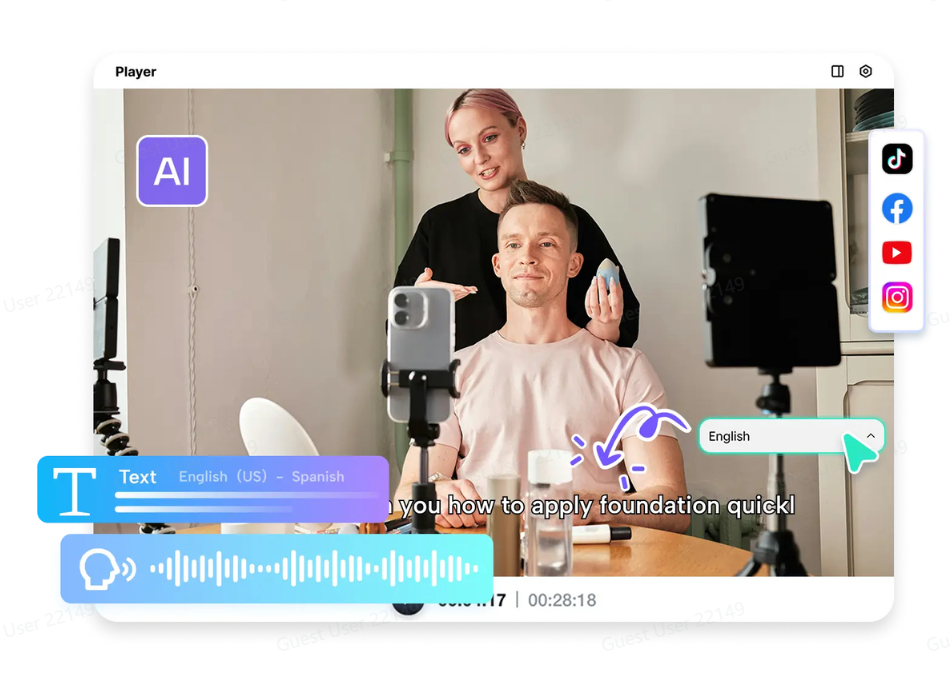
The educational content has undergone tremendous changes over the past few years. The students are no longer dependent on books and lectures to grasp new ideas and concepts. Short videos, animations, and storytelling are becoming increasingly important learning aids on the internet.
Changing student learning methods offers many different types of challenges and opportunities to EdTech companies. Students now expect quality learning through engaging and high-quality short videos to help them grasp complicated processes/ideas/concepts more easily. Creating content like this takes substantial time, effort, and animation skills.
AI-Powered Video Generation Technology has revolutionised the total process of producing one's Educational Content. With platforms such as Pippit, educators, instructors, and EdTech companies can quickly and easily convert their educational ideas/content into engaging short videos. In addition, EdTech companies are now able to create longer, clearer, and more visually stimulating (engaging) types of content with Seedance 2.0, so students can understand their processes/ideas/concepts more easily.
The educators are no longer dependent on traditional animation styles and can produce short learning videos with the help of prompts, reference visuals, and idea outlines.
Why are short videos so effective for today's learners
Today's online attention span is shorter than ever. For students browsing through online learning sites or social media sites, short and clear video content is often preferred.
Explainer videos are effective because they use motion graphics, images, and storytelling to create an easily digestible content format. Instead of spending time reading through multiple web pages to learn a concept, a short video is available to explain it with a walk-through.
Using AI to create video content is an effective way to create this type of content quickly. Educators and teachers can use AI to convert educational content or prompts into an animated video format without requiring any editing skills.
This makes it easier to create a large volume of learning content on multiple topics.
How to turn complex ideas into engaging visual content
One of the biggest problems with creating engaging content is to simplify complex ideas. Subjects like science, math, programming, or history require good visualization to explain complex ideas.
This helps educators teach their students through visual aids and motion. Educators can also use videos to teach their students each and every concept through animations.
Some examples of short educational videos are:
- Explainations for each and every step of the math problems.
- Quick explanations for each and every science concept.
- Visualizing historical timelines.
- Coding videos with animations.
This helps educators develop all the educational videos for their students without taking too much time.
Making learning content more engaging for students
Engagement is one factor that has a lot to do with the success of the educational content. Students tend to retain more information if they are presented with content that is engaging and interesting for them.
Videos are more engaging for the students because they are presented with animations and other visual effects. Videos are also more interesting for the students because they are presented with animations and other visual effects. Educators can also experiment with different visual effects for teaching their students depending on their style of teaching.
Some examples of educational videos are:
- Animated storytelling videos for young children
- Professional videos for corporations
- Visual simulations for science
- Videos for exam preparation
These formats make the lessons more accessible and more fun to watch.
Why edtech creators benefit from ai video workflows
Creating educational videos often requires special devices for recording and editing, and sometimes even animation artists. This process can sometimes be tedious and time-consuming.
Creating educational videos using AI removes these challenges. Educators can easily create new videos for lessons or edit already existing ones should there be any updates.
This is particularly important for:
- Online course creators looking to develop multiple course content
- Teachers looking to develop additional content for learners
- Training companies looking to develop content for corporations
- Tutoring services looking to develop content for learners
This helps educators save more time for teaching and less time for creating videos.
From lesson idea to animated explainer with Pippit
Step 1: Open the video generator
Firstly, sign up for Pippit and access its home page. Click "Video" on the main dashboard or "Video generator" in the left menu. Now, input your prompt and describe the style of video, tone, and angles in detail.
Step 2: Generate video
Click "Add media and more" to add URLs, images, videos, and documents. You can select "Lite mode," "Agent mode," "Veo 3.1," "Sora 2," and more, depending on your needs. Also, with "Agent mode," click "Upload reference video" to add a simple video. Click "Customize video settings" to set video length and spoken language. Click "Generate," and Pippit will create your video for you.
Step 3: Refine & export
Lastly, select your video and click the Play button to watch it. You can click "Edit more" to edit it if you wish. You can crop it, stabilize it, change colors, and change the background.
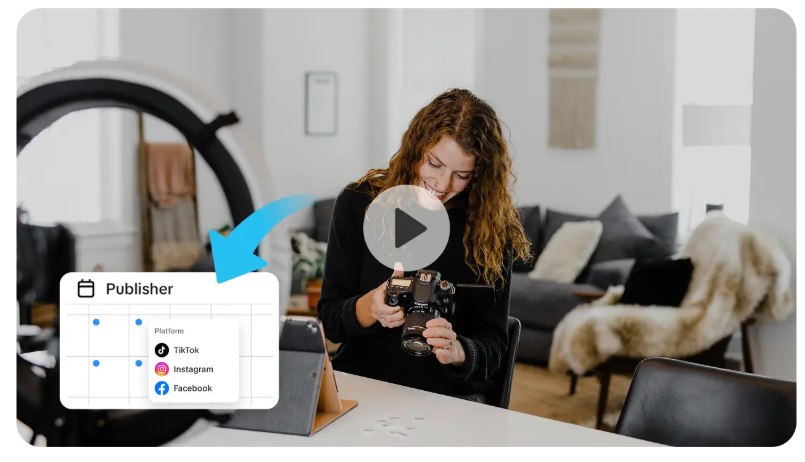
You can click "Download" to save it to your device and share it directly on social media.
Comparing Seedance models for educational video creation
There are different versions of the Seedance video model, each of which has had some improvements in its video creation capabilities. Some of the improvements brought about by the new version of the Seedance video model are highlighted in the following table.
|
Feature |
Seedance 2.0 |
Seedance 1.5 Pro |
Seedance 1.0 |
|
Video resolution |
Up to sharp 2K resolution with improved lighting and textures |
Smoother visuals compared to the original release |
Basic output quality with early-stage rendering |
|
Video length |
Up to three times longer clips for full explanations |
Moderate video length suitable for short scenes |
Shorter clips designed for quick tests |
|
Motion quality |
Smooth and consistent motion across extended scenes |
Improved movement compared to 1.0 |
Basic motion with occasional inconsistencies |
|
Prompt understanding |
Better interpretation of prompts for accurate educational visuals |
Strong prompt understanding for structured scenes |
Early prompt recognition with limited refinement |
|
Character & scene consistency |
Maintains details like textures, lighting, and elements across frames |
Improved stability but still limited in longer scenes |
Inconsistent visual elements in some outputs |
|
Creative flexibility |
Supports multiple reference inputs and aspect ratios for different platforms |
Handles complex scenes better than the original model |
Initial structure with Lite, Pro, and Pro Fast variants |
The improvements in the new version of the video model are beneficial for creating educational videos.
Scaling educational content libraries faster
EdTech companies often create extensive video content for educational platforms, including different subjects and varying difficulty levels. This can take months or even years to create.
AI video creation can help scale this process much faster.
For instance, instead of creating individual videos for each topic, creators can use AI video creation to create short videos. This can help EdTech companies scale their video content library much faster.
For example, an EdTech company can create:
- Hundreds of micro-learning videos
- Short revision videos for students to help them prepare for their exams
- Skill-based videos for professional learners
- Educational videos for mobile learning apps
Since video creation can be done much faster, EdTech companies can create new content and update their platforms frequently.
Bringing education to social media and micro-learning platforms
Short videos are not limited to traditional courses. New concepts are also being learned by students using social media platforms and short video formats. Educators can share their knowledge with students using AI-generated short videos, which are part of educational courses. The videos can be:
- Quick science facts
- Short programming tips
- Language learning examples
- Historical mini-lessons
The facility to generate short videos helps educators to reach a larger number of students.
Final thoughts: Smarter video creation for the future of education
Education is constantly changing with the development of technology. Video is one of the most powerful tools for modern learning. Students are more receptive to learning with videos, which are short, visually stimulating, and tell compelling stories.
Pippit is a tool for educators to adapt to changing trends in learning by allowing them to create videos in a quicker and more efficient way. Educators do not need to use complex equipment to create videos. They can create videos using Pippit by turning their ideas into animated videos in a matter of minutes.
Pippit empowers educators and EdTech companies to create engaging learning experiences that keep students curious, focused, and inspired.
Let the Truth be known. If you read VB and like VB, please be a VB Supporter and Help us deliver the Truth to one and all.
Allahabad HC orders probe into 'reinstatement' of teacher in UP's Barabanki

Lucknow (PTI): The Lucknow Bench of the Allahabad High Court on Friday ordered a probe by the special task force (STF) into alleged irregularities in the rejoining of a teacher at City Intermediate College in Barabanki, observing that the reinstatement appeared to be prima facie illegal.
The court also directed the recovery of the salary paid to the teacher during the disputed period.
A bench of Justice Rajeev Singh passed the order on a petition filed by the college management committee. The court expressed doubts over the roles of the District Inspector of Schools (DIOS), Barabanki, the college principal and the teacher concerned and hence, directed a detailed inquiry into the matter.
Taking note of alleged manipulation of records and misleading submissions, the court ordered the immediate transfer of the Barabanki DIOS to ensure a fair probe. It also directed the initiation of disciplinary proceedings against the then joint director of education of the Ayodhya division.
In its order, the court found that the teacher, Abhay Kumar, was initially appointed as an assistant teacher in 2018 but joined an Eklavya Model Residential School in Chhattisgarh as a lecturer in June 2024 without obtaining permission from the management. His subsequent request to retain the lien was rejected.
Despite this, he was allowed to rejoin the Barabanki College in September 2025 on the directions of the joint director of education and the DIOS, and was even paid the salary for October 2025. The court termed the rejoining "wholly illegal" and lacking any legal basis.
The bench also expressed concern over lapses in communication within the education department and directed the Uttar Pradesh chief secretary to ensure that official orders are communicated through email and WhatsApp as well, to prevent disputes.
The matter is next listed for hearing on May 28 when a compliance report is sought.